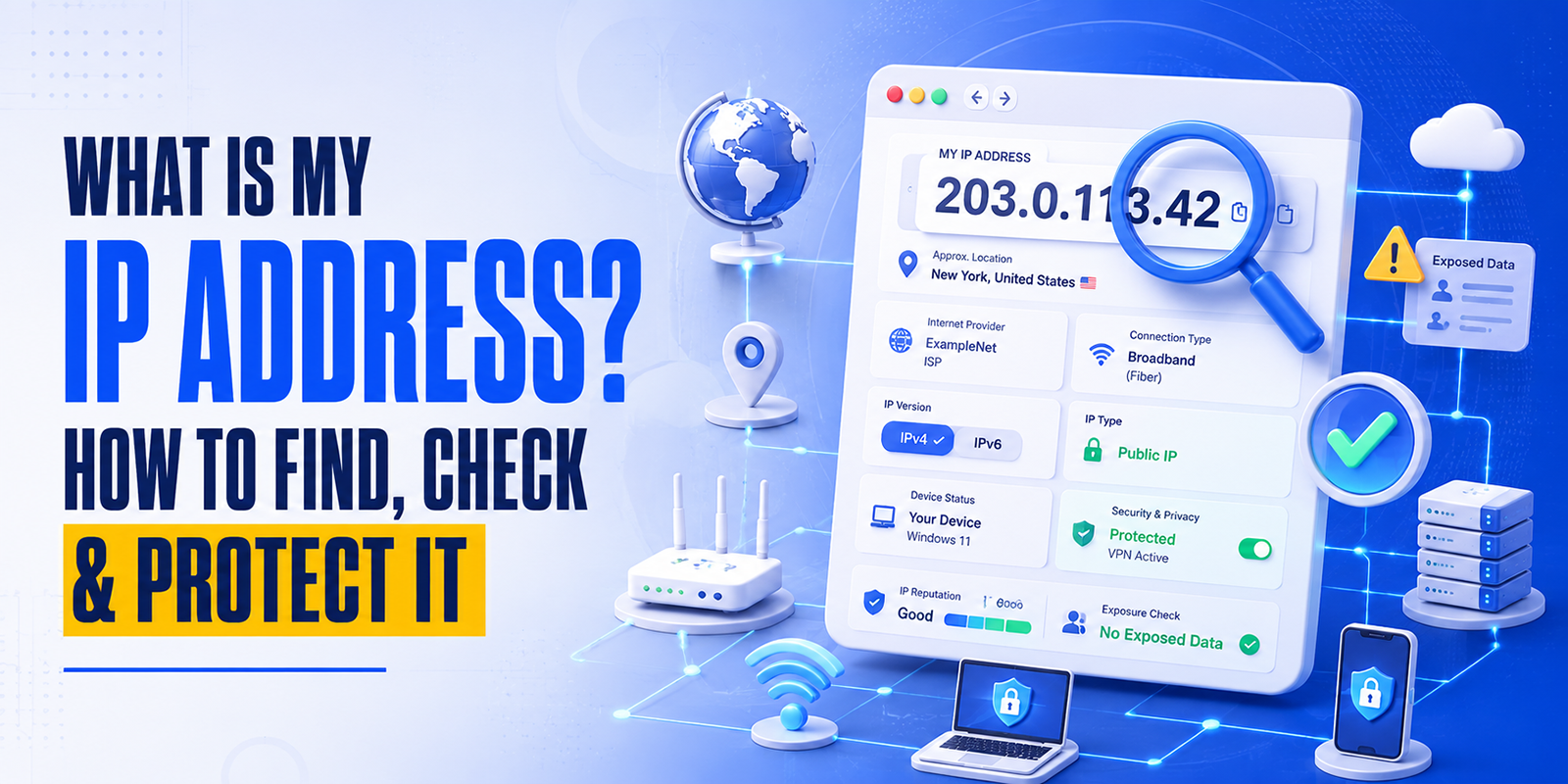

Finding a website’s IP address is more than just curiosity; it’s a critical step for DNS troubleshooting, cybersecurity audits, and server migrations. Whether you are a developer verifying a CDN setup or an SEO expert checking hosting neighbors, getting an accurate IP is essential.
In this 2026 updated guide, we cover the fastest ways to perform a domain to IP lookup using online tools and native system commands.
- What is a website’s IP address is
- Why IP lookup is important
- How to find the IP address of a website (Windows, Mac, Linux & online tools)
- Difference between a domain name and an IP address
- FAQs related to IP checker & domain IP lookup
What Is a Website IP Address?
Every website on the internet is hosted on a server, and every server has a unique identifier called an IP address (Internet Protocol address). When you type a domain like google.com, your browser communicates using IP addresses, not domain names.
Example:
- Domain: www.google.com
- IP Address: 142.250.190.14 (example)
The Domain Name System (DNS) translates domain names into IP addresses.
Why You May Need to Find a Website’s IP Address
Performing a domain IP lookup is useful for:
- Troubleshooting DNS or hosting issues
- Checking server location or hosting details
- Cybersecurity and firewall configuration
- SEO and website performance analysis
- Testing CDN or load balancer setups
Why Does a Website’s IP Address Matter?
- Server Location: The IP address reveals the physical location of the server, which impacts both Local SEO and latency.
- Shared vs. Dedicated Hosting: An IP lookup helps you see if thousands of other sites share the same address (which can be a security risk).
- Security & Firewalls: You need the IP to whitelist or blacklist traffic at the firewall level.
- CDN Verification: Check if your site is correctly routing through services like Cloudflare or Akamai.
How to Find the IP Address of a Website
There are several ways to perform a domain IP lookup, ranging from instant online tools
to advanced command-line methods.
1: HasheTools Online IP Lookup (Recommended)
The fastest and most accurate way is to use our dedicated tool.
- Step 1: Go to the HasheTools Website for IP Lookup.
- Step 2: Enter the URL (e.g., example.com) and hit “Check.”
Pro Tip: Our tool doesn’t just show the IP; it provides both IPv4 (the standard) and IPv6 (the future-proof version) in one click. This is essential for modern network troubleshooting.
2. Finding IP Address on Windows
- Open Command Prompt (Start → type cmd → Enter)
- Run: nslookup example.com
- Find the IP under the “Non-authoritative answer” section For IPv6: nslookup -q=AAAA example.com
3. Finding IP Address on macOS
- Open Terminal (Command + Space → type Terminal → Enter)
- Run: dig example.com A
- Check the ANSWER SECTION for the IP address For IPv6: dig example.com AAAA
4. Finding IP Address on Linux
- Open Terminal
- Run: dig example.com A
- IP appears in the ANSWER SECTION For IPv6: dig example.com AAAA
Quick Note: If you see multiple IP addresses in the results, the website likely uses a Load Balancer or a Content Delivery Network (CDN) like Cloudflare to handle high traffic and improve speed.
Domain Name vs IP Address
| Domain Name | IP Address |
| Easy to remember | Numeric identifier |
| Example: google.com | Example: 142.250.190.14 |
| Used by humans | Used by servers |
DNS links domain names to IP addresses.
IPv4 vs IPv6
- IPv4: Older format (e.g., 192.168.1.1)
- IPv6: Newer format with more addresses (e.g., 2001:db8::1)
Most modern websites use both IPv4 and IPv6.
Common Use Cases for Website IP Lookup
- Find the IP address of a website
- Domain to IP lookup
- URL to IP conversion
- Website IP checker for security audits
- Hosting and server verification
Beyond the Basics: Reverse IP & Global Checks
Finding the IP is just the start. You might also need:
- Reverse IP Lookup: Finding all domains hosted on a single IP address.
- Ping Test: Checking the latency ($ms$) between your location and the server.
- WHOIS Data: Identifying the owner of the IP block (e.g., AWS, DigitalOcean, or Google Cloud).
FAQs
1. How do I find the IP address of a website?
You can use HasheTools online IP lookup or command-line tools like nslookup and dig.
2. Can a website have multiple IP addresses?
Yes, websites using CDNs or load balancers often have multiple IPs.
3. Is website IP lookup safe and legal?
Yes, IP addresses are public information and safe to check.
4. What is the difference between IPv4 and IPv6?
IPv4 is an older numeric format; IPv6 is newer and supports more addresses.
5. What is a domain IP lookup?
It’s the process of finding the IP address associated with a domain name.
6. Can I find the IP address of a hidden website?
If a site uses a proxy (such as Cloudflare), a standard lookup will display the proxy’s IP address, not the IP address of the “origin” server.
7. Does a website’s IP ever change?
Yes. Static IPs stay the same, but many modern cloud hosts use dynamic IPs that can change during server restarts or migrations.
8. What is the difference between an A Record and a PTR Record?
An A Record maps a name to an IP (Forward). A PTR Record maps an IP back to a name (Reverse).
Try the HasheTools Free Website to IP Lookup Tool
Stop guessing and start analyzing. If you’re looking for a fast, accurate, and secure
way to find any website’s IP address, HasheTools is your go-to solution. Get a comprehensive report of any domain’s
infrastructure in seconds.
With HasheTools, you can instantly check:
- Domain IP Address: Get the exact server location.
- URL to IP Conversion: Works with any link or subdomain.
- Dual Records: View both IPv4 and IPv6 results.
- Live DNS Data: Real-time results directly from the source.