
If you want to know which websites are hosted on a specific IP address, a reverse IP lookup (also called reverse DNS lookup) is the tool you need. Unlike a regular DNS lookup, where you check the IP of a domain, a reverse IP lookup lets you find all domains associated with a particular IP address. This is useful for web security, network troubleshooting, and email verification.
Whether you’re a webmaster, IT professional, or just curious, this guide will show you how to do a reverse IP address lookup on Windows, Mac, and Linux.
What is a Reverse IP Lookup?
A reverse IP lookup queries an IP address to reveal its connected domain names. In technical terms, it checks the PTR record of an IP address in the Domain Name System (DNS). PTR (Pointer) records map an IP address back to a canonical hostname.
Why Use Reverse IP Lookup?
Performing a reverse DNS check is more than just a technical curiosity. It is vital for:
- Security Auditing: Detect if suspicious or malicious domains are linked to your server’s IP.
- Checking Shared Hosting: See which other websites share your server. Too many “spammy” neighbors can hurt your site’s reputation.
- Email Deliverability: Many mail servers block emails if the IP doesn’t have a valid reverse DNS (PTR) record.
- SEO & Competitor Research: Discover other websites owned by a competitor by seeing what else is hosted on their dedicated server.
How to Perform a Reverse IP Lookup
1: HasheTools Online Reverse IP Lookup (Recommended)
The easiest way for beginners and pros alike. No command line required.
- Go to the HasheTools Reverse IP Lookup Tool.
- Enter the IP address you wish to investigate.
- Instantly view a list of associated domains and PTR records.
Pro Tip: If you see “Cloudflare” or “Akamai” as the result, the website is behind a CDN. In this case, the reverse lookup shows the CDN’s info, not the private origin server.
Method 2: Command Line (Windows, Mac, & Linux)
If you prefer using built-in system tools, use these commands:
On Windows
- Open Command Prompt: Press Windows + R, type cmd, and hit Enter.
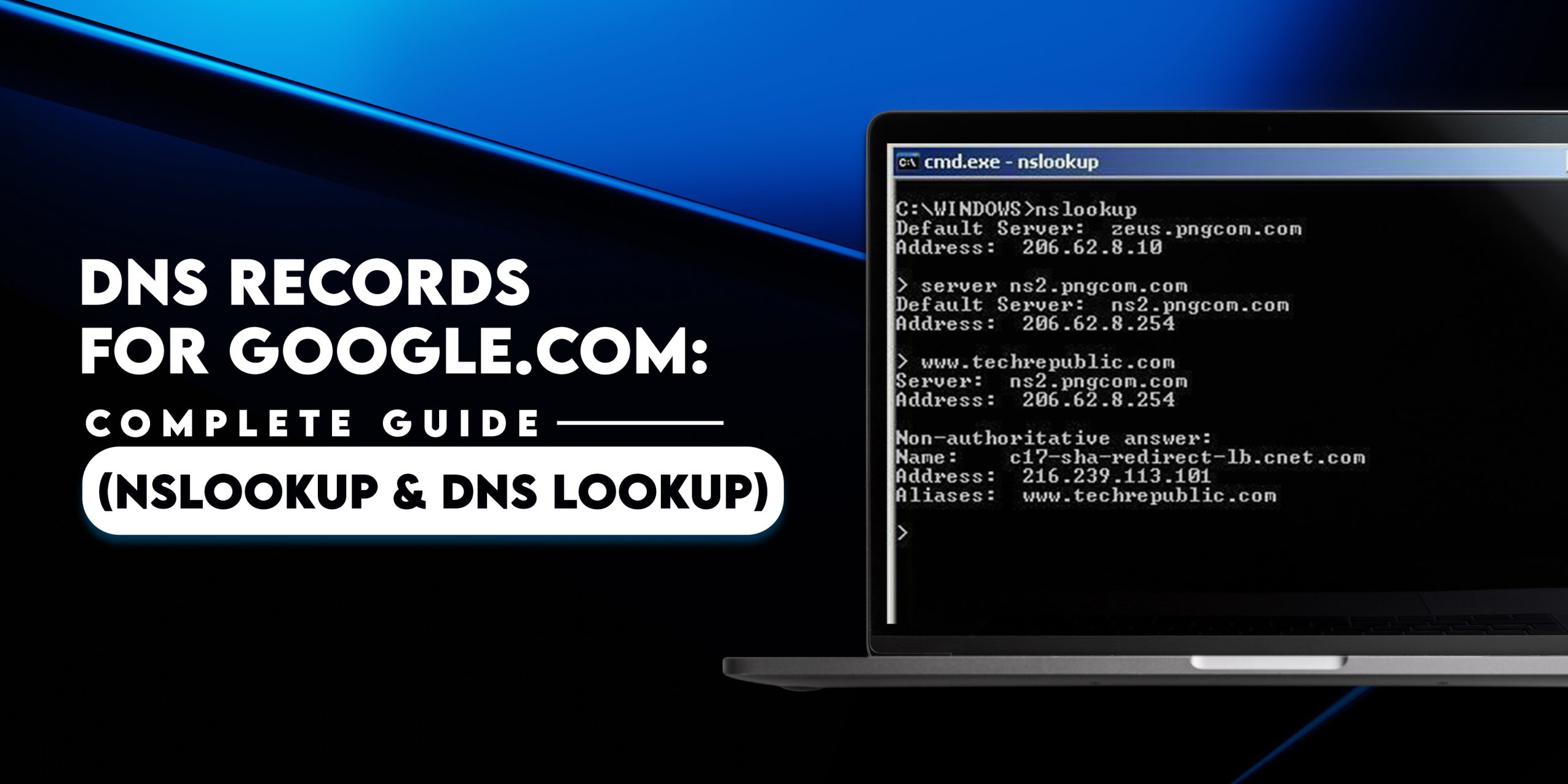
- Type the command: nslookup -q=PTR 1.1.1.1
- Replace 1.1.1.1 with the IP address you want to check.
- Look for the Non-authoritative answer section to see the reverse DNS record.
On Mac OS
- Open Terminal: Press Command + Space, type Terminal, and press Enter.
- Enter the command: dig -x 1.1.1.1
- Check the ANSWER SECTION for the domain linked to the IP.
On Linux
- Open your Terminal.
- Type the command: dig -x 1.1.1.1
- The PTR record appears in the ANSWER SECTION, showing the hostname.
Example of Reverse IP Lookup
For example, using the IP 91.198.174.192 in a reverse lookup may show domains like:
example.com
anotherdomain.org
This helps you identify websites hosted on the same server or IP.
Online Reverse IP Lookup Tools
If you don’t want to use terminal commands, online reverse IP lookup tools make it easy:
- Enter the IP address in the tool.
- Instantly get a list of domains hosted on that IP.
- Useful for beginners or quick checks without technical setup.
Key Terms Related to Reverse IP Lookup
- Reverse nslookup: Running nslookup in reverse to find domains from IPs.
- NSLookup IP: Using the nslookup command to check IP addresses.
- Reverse DNS lookup: Checking PTR records to map IPs to hostnames.
- IP address reverse lookup: The process of finding domain names from an IP address.
Benefits of Reverse IP Lookup
- Security monitoring: Identify malicious domains on shared servers.
- Email deliverability: Verify that your server IP matches your domain.
- SEO research: Discover competitors’ websites hosted on the same IP.
- Troubleshooting: Find misconfigured servers or network issues.
Common Myths vs. Reality
- Myth: Every IP will show a list of websites.
- Reality: Only IPs with configured PTR records or those indexed in global databases will show results. If a server is private, it may return no result.
- Myth: Reverse IP lookup is illegal.
- Reality: No. You are accessing public DNS records that are meant to be transparent.
FAQs
1. Can a reverse IP lookup find every website on a server?
It finds websites that are publicly indexed and have their DNS records pointed to that IP. Some “hidden” sites behind firewalls may not appear.
2. Why is my reverse IP showing a different name than my website?
This usually happens if your hosting provider has set a generic “internal” name for the PTR record, such as server123.hostingcompany.com.
3. Does a reverse IP lookup affect website speed?
No, this is a DNS-level query and has zero impact on the performance of the website being checked.
Try the HasheTools Free Reverse IP Lookup Tool
Uncover the hidden domains behind any IP. Whether you are auditing your hosting provider or investigating a security threat, HasheTools provides instant, high-accuracy results.
- Bulk Domain Discovery: Identify multiple domains on a single server.
- PTR Record Verification: Ensure your mail server is configured correctly.
- Security Audit Ready: Spot “bad neighbors” affecting your server’s reputation.